
Usage, plans & billing
How do costs come about?
You pay for two things: the fixed price per seat per month for your plan, and AI usage, which is covered by a monthly credit.
AI usage occurs wherever a language model is at work: for messages in Chat, for runs of your Agents and for automated workflows. Long conversations and large documents use more than short questions.
Which plans are there?
A plan applies per seat, not to the whole organization. Each person has their own plan, and you can mix them.
- Beginner, €29.99 per seat per month: Chat with all models, Dashboard, Inbox, Daily Work, connectors and agents, personal Workplaces, 5 GB storage, AI support and knowledge base without a guaranteed response time.
- Pro, €49.99 per seat per month: everything in Beginner, plus organization knowledge, Deep Research, scheduled workflows, double usage, 10 GB storage and a support response within 2 business days.
- Max, €99.99 per seat per month: everything in Pro, plus log export, your own MCP server and Agent Builder, branding, a Customer Success Manager with a 1-hour onboarding, 4x usage, 25 GB storage and a support response within 1 business day.
- Enterprise: custom terms, not available for self-service booking. Talk to us about it.
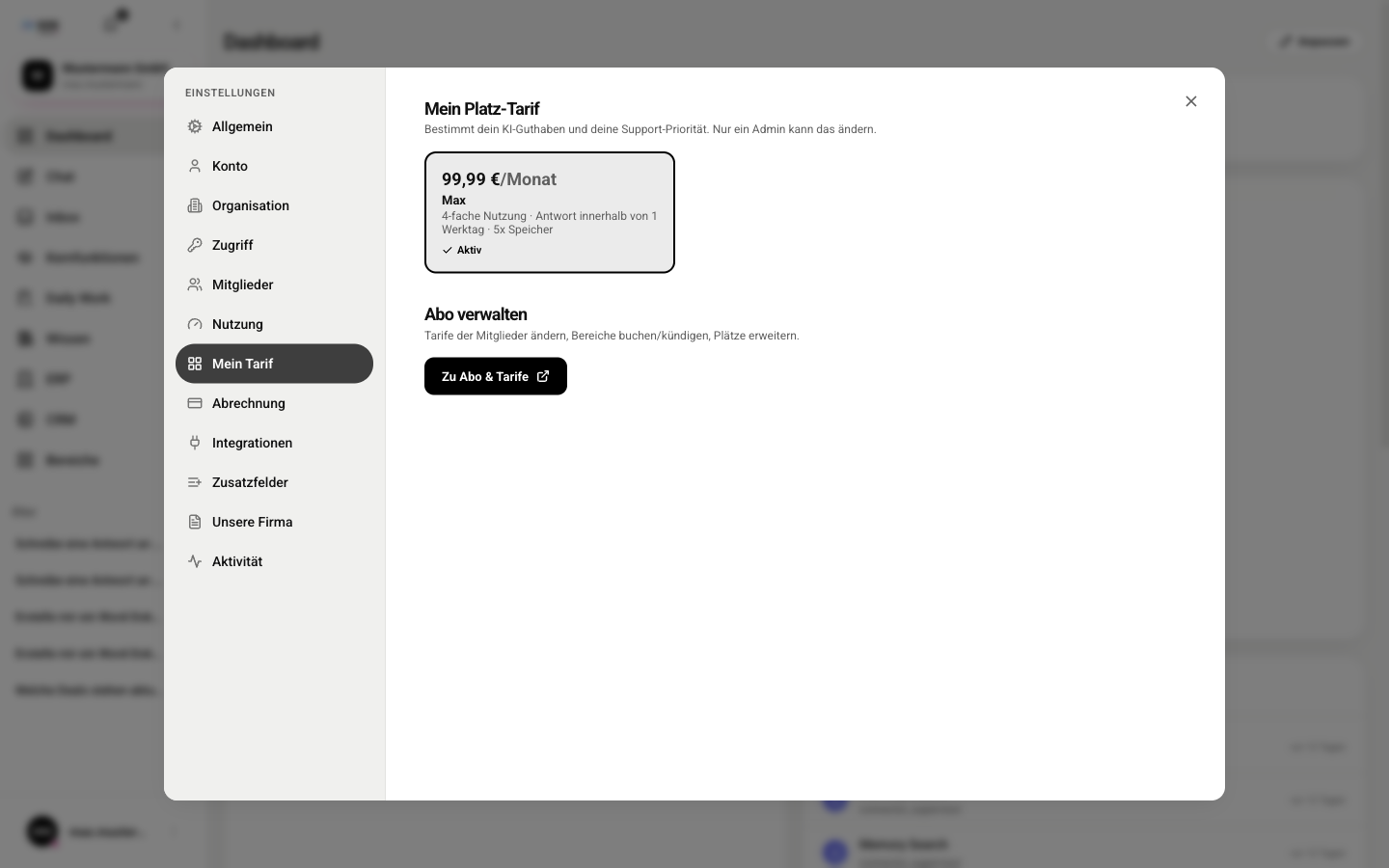
You add modules and areas such as Marketing, Sales, HR, CRM or ERP per seat, independent of your plan, for between €4.99 and €249 per month. CRM and ERP are only available as a complete package. Telephony is only available together with CRM.
Add-on packages and prices
On top of your plan, you add packages per seat, independent of the plan. You only pay for what you book. All prices are net.
- HR: €24.99
- Sales: €29.99
- Marketing: €79.00
- CRM: €79.00 (only available as a complete package, includes the sales pipeline)
- Telephony: €39.99 (only together with CRM)
- ERP: €149.00 (only available as a complete package)
- Everything: €249.00, all modules without picking individually
With annual billing, you save two monthly payments. Calculate the price for your team on the Pricing page.
Trial access
To try it out, you get 7 days of Pro for free. Your code is XOSLAUNCH. You redeem it when you sign up and add your payment method there. After the 7 days, the paid subscription starts. If you cancel before then, you pay nothing.
What happens when the credit runs out?
The seat credit resets at the start of each month. Once it is used up, you can only continue with purchased credit. You always buy it in advance: there is no invoice after the fact and the credit never goes negative. If both credits are empty, the AI pauses until the next top-up or the new month.
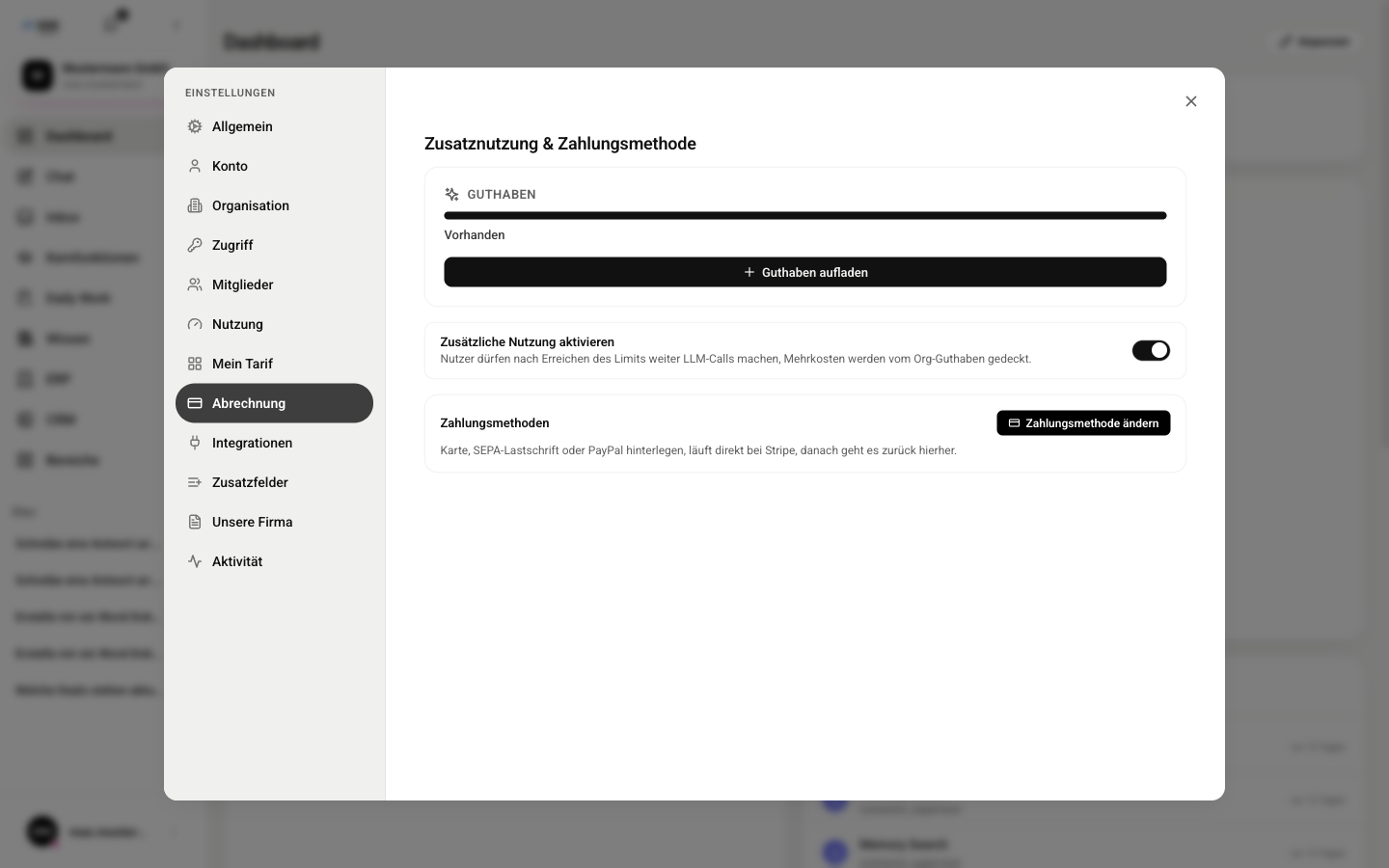
- An admin opens Settings (Einstellungen), Billing (Abrechnung) and clicks Top up credit (Guthaben aufladen).
- They choose the amount. The chosen amount is credited, and payment is that amount plus 19% VAT.
- In the Members (Mitglieder) section, they turn on Extra usage (Extra-Nutzung) for each person allowed to use the purchased credit, with a monthly cap if desired.
Where can I see my usage?
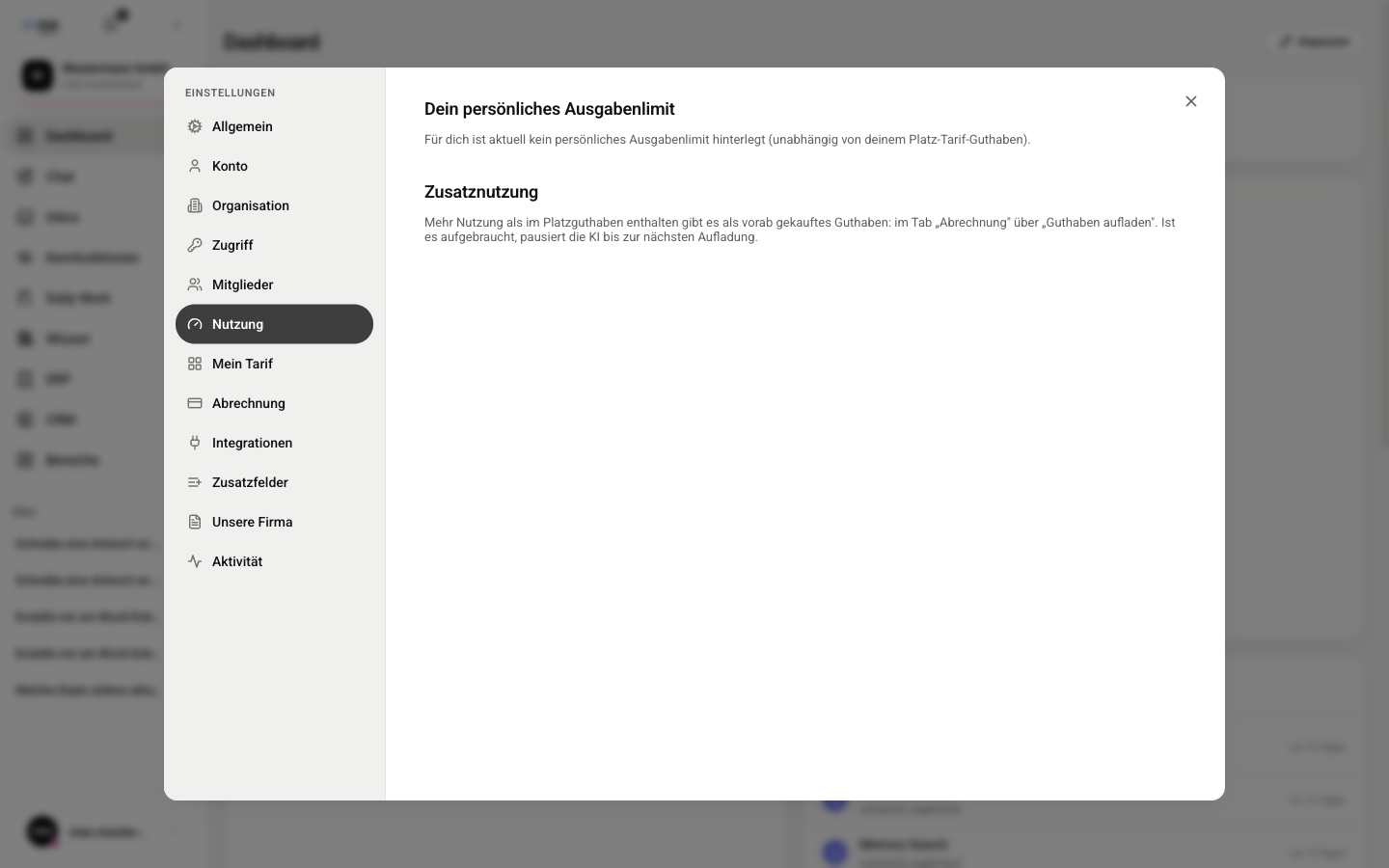
Your personal usage is shown in the Usage (Nutzung) section of the settings.
- Open Settings (Einstellungen) and select Usage (Nutzung).
- Under Your personal spending limit (Dein persönliches Ausgabenlimit), you see how much of it you have used (% used (% verwendet)) and when the limit resets. If an admin has not set a limit for you, a note says so.
- Additional usage (Zusatznutzung) explains how to get more usage.
How do I cancel or delete the organization?
Only admins can do either. Canceling and reactivating happen on the Subscription & plans (Abo & Tarife) page, deleting in the Organization (Organisation) section of the settings.
- Cancel subscription: On the Subscription & plans (Abo & Tarife) page, click Cancel subscription (Abo kündigen) and confirm with Cancel now (Jetzt kündigen). The organization is frozen immediately, and your data is kept. During the trial, the settings have a Cancel trial now (Jetzt Probeabo kündigen) button.
- Reactivate: Works through the same page as the first purchase. You choose your plan and modules again.
- Delete organization: In the Organization (Organisation) section under Danger zone (Gefahrenzone). The subscription ends immediately, and so does access. For 30 days, support can restore the organization on request. After that, all data is permanently removed.