
One chatfor everything.
Chat with all models (for example ChatGPT and Gemini) is included in every plan. No add-on package, no separate tools for each task.
In short: One chat for all AI models: switch mid-conversation, block models or allow only EU models. With company knowledge and your systems.
As of November 12, 2026 · ProzessXThis is what it looks like.
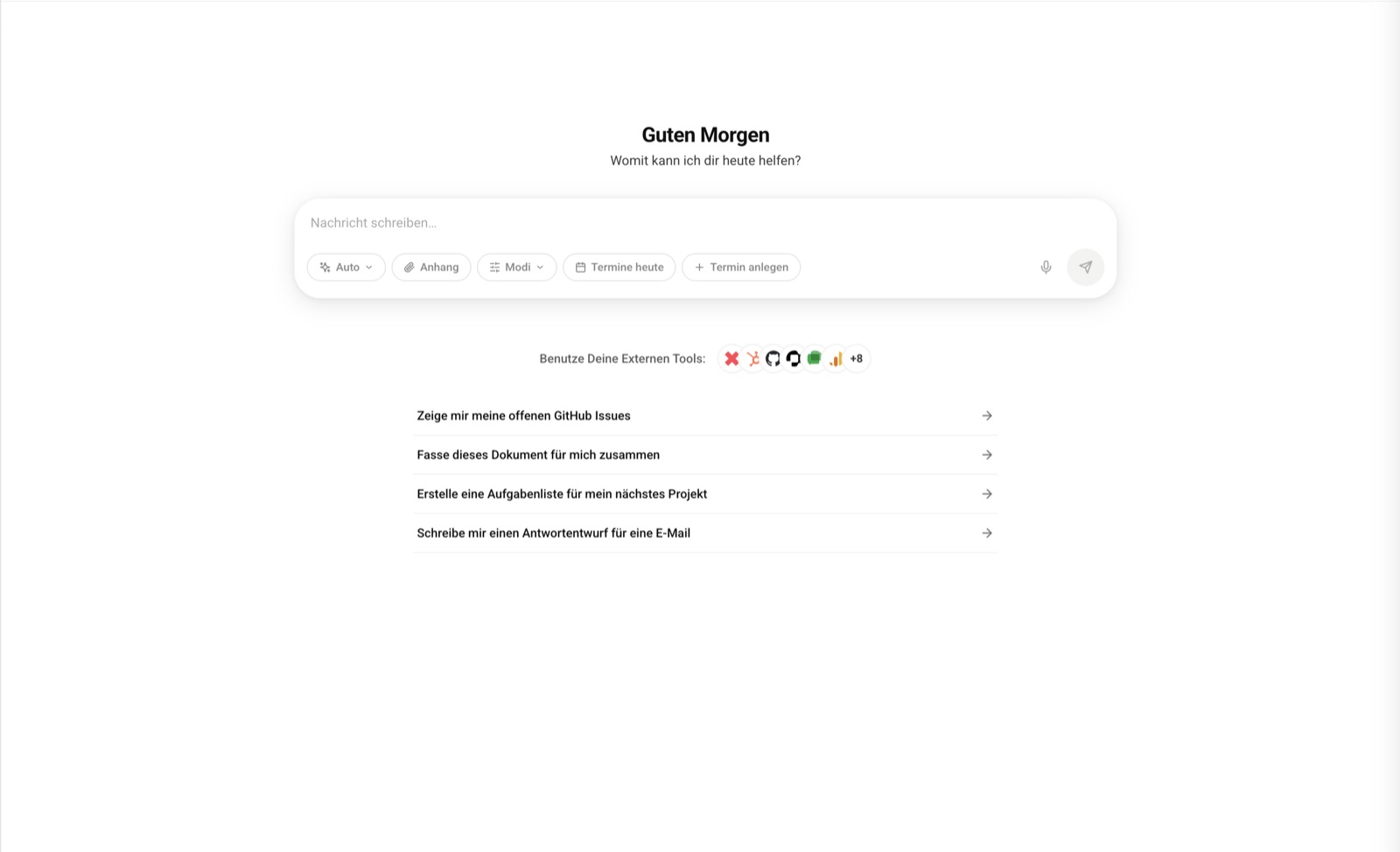
A chat that does more than answer.
It doesn't just name tasks, it carries them out, with the tool behind them.
One interface, every model.
Chat with all models, for example ChatGPT, Gemini, Claude and Mistral, without a separate add-on package. Permissions and roles apply to agents just like to people.
- All models included in every plan
- Permissions and roles for agents just like for people
- Prompt caching including one hour of keep-warm time and prewarming, the same for every plan
A check-in when it matters.
Before every consequential step, the chat checks with you, for example for an email to a customer or a refund. Harmless steps run through without interruption.
- Check-in before consequential steps
- Harmless steps run through without interruption
- Log what was done, who requested it, with what result
Checked before any model sees it.
Before every AI call, the content is checked for personal data, attachments included.
- Check by default before every call, with attachments
- EU model automatic by default when personal data is involved
More than an input field.
Canvas
Documents take shape next to the chat and can be downloaded as PowerPoint, Word, Excel or PDF.
Dictate instead of typing
Voice input right in the input field. The transcript is not stored and nothing is sent automatically.
Knowledge base
Access to organization knowledge in the chat, with the same permissions as in the module.
Work modes
Selectable right in the input field: Plan, Web Search, Deep Research, Brainstorming, depending on the task.
Light and dark
Switch the appearance or follow the system setting, plus a dedicated mobile view.
Modes right in the input field: Plan Web Search Deep Research Brainstorming
“Top partner, always quick, uncomplicated and efficient solutions.”
Shadow AI becomes company AI.
Example: a service provider with 120 employees. A good half of the team uses AI through private accounts. A ban was tried and changed nothing.
A tool that is better than the private one
All common models in the company account, plus access to your own company knowledge. No private account can do that.
Limits nobody has to work around
Non-European models can be blocked company-wide. Checks up front.
Visibility for management
Who uses what, for what and at what cost. Not for surveillance, but so the data protection officer has an answer.
Usage becomes process
What proves useful becomes a recurring process: the weekly report, the quote review, the summary of minutes after every meeting.
How agents check in and keep a log is covered under Agents. Data sovereignty and personal data are covered under Compliance.
Quick answers.
How can I try the chat?
You do not need a credit card to get started. To try it: 7 days of Pro free with the code XOSLAUNCH, redeemed when you sign up. You add your payment method when you sign up. After the 7 days, the paid subscription starts. If you cancel before then, there are no costs.
Try the chat.
Book a consultation.
Together we look at your processes and show you what XOS can take over. 60 minutes, free and without obligation.
- Choose a timeOpen slots in the calendar, by video call or phone.
- Prefer to talk now?+49 7452 6051953Give us a call, we also answer questions without an appointment.