
Your knowledge.In the chat.
Files, work processes and employee knowledge in one place. The chat uses them directly.
In short: Files, workspaces and company knowledge in one place: the XOS AI chat uses them directly and answers with your sources.
As of November 12, 2026 · ProzessXThis is what it looks like.
Knowledge in motion.
Knowledge and data
Workplaces
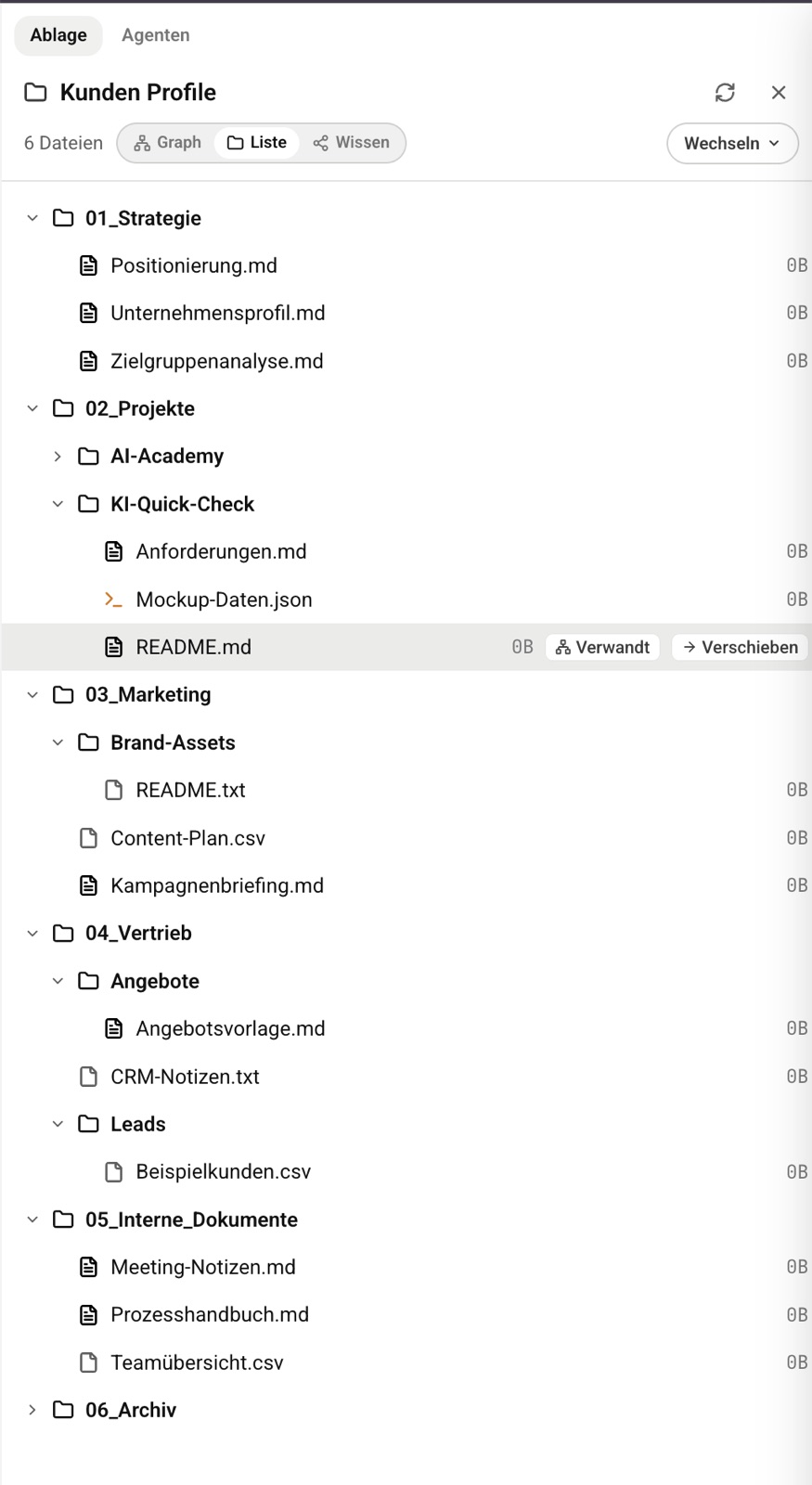
One workspace for files, team and agents.
- Files and editor
- Share with read or write access
- Choose visibility
The agent reads a file in the workspace and, after your confirmation, creates a new one. Sample view, simplified.
Knowledge and data
Knowledge base
Store company knowledge, approve it and use it in the chat.
- Knowledge areas with a defined audience
- Folders with their own permissions
- Approval by curators
Files from a Google Drive folder arrive in the knowledge base as suggestions and are approved by the curator. Sample view, simplified.
The chat accesses your files and your organization's shared knowledge and answers from them.
Try your knowledge in the chat.
Book a consultation.
Together we look at your processes and show you what XOS can take over. 60 minutes, free and without obligation.
- Choose a timeOpen slots in the calendar, by video call or phone.
- Prefer to talk now?+49 7452 6051953Give us a call, we also answer questions without an appointment.