
In short: AI agents in XOS create tasks, capture receipts and prepare quotes. They check in before consequential steps, and every step is logged.
As of November 12, 2026 · ProzessXThis is what it looks like.
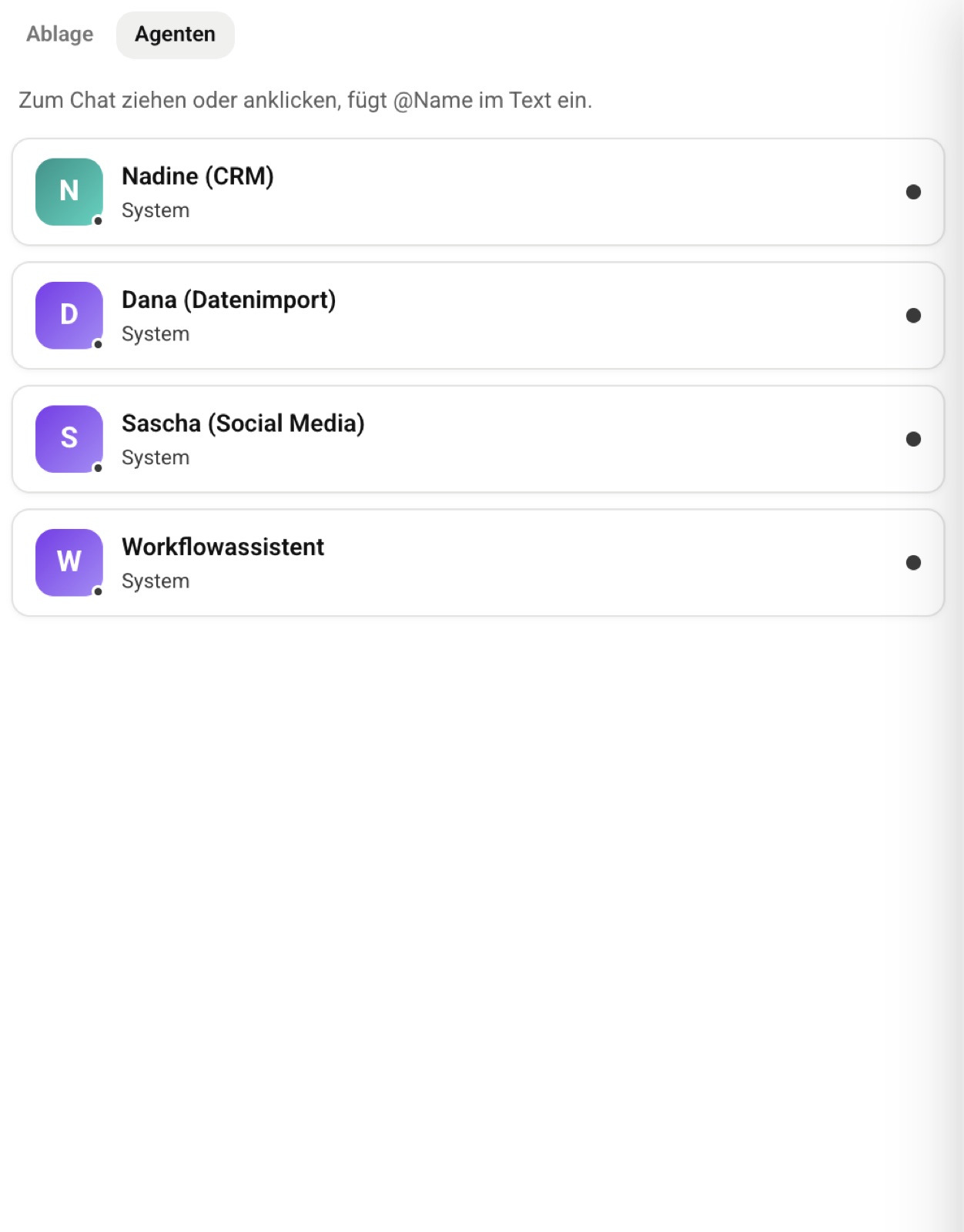
Give your software an agent.
Connect a system, and XOS builds the matching agent. You decide what it is allowed to do.
A specialized agent for every connector.
Google Workspace, Microsoft 365, Slack, GitHub, Notion and more: every connected app automatically gets its own agent, with its own description and its own permissions.
- One agent per system generated automatically
- Visible what it is allowed to do
- Permissions and roles apply to agents just like to people
Done, not just suggested.
The XOS agent creates the task, adds the appointment, captures the receipt, prepares the quote and checks with you first when it gets consequential.
- Check-in before consequential steps
- Data protection Personal data is checked by default before every call, attachments included
“I've known the team for quite a while and value their reliability. When ProzessX says they'll take care of it, it actually happens. Hats off!”
AI that acts, but not behind your back.
XOS doesn't just answer, it executes.
Read emails, create tasks, add appointments, capture receipts, prepare quotes, sync data between systems.
Check-in before consequential steps
Before anything happens that cannot be undone, such as an email to a customer, a refund or a cancellation, the system checks with you.
Graduated, not blanket
Harmless steps run through. You are not interrupted at every move.
Traceable
Every step is logged: what was done, who requested it and with what result.
Your agent works with your permissions.
Your agent can do what you allow it to.
There is an agent for every connected system, and you can see what it is allowed to do.
- Roles just like for people
- EU processing automatic by default in the chat when personal data is involved
Quick answers.
What do workflows cost?
Workflows are included from the Pro plan, with no separate monthly add-on fee.
How can I try it?
To try it: 7 days of Pro free with the code XOSLAUNCH, redeemed when you sign up. You add your payment method when you sign up. After the 7 days, the paid subscription starts. If you cancel before then, there are no costs.
Which system should go first?
Book a consultation.
Together we look at your processes and show you what XOS can take over. 60 minutes, free and without obligation.
- Choose a timeOpen slots in the calendar, by video call or phone.
- Prefer to talk now?+49 7452 6051953Give us a call, we also answer questions without an appointment.