
Overview
Go to ERP OverviewWhat inventory management covers
Inventory management is the commercial side of XOS: items, customers, warehouse, purchasing, sales orders, invoices, documents and accounting. You find it in the sidebar under ERP.
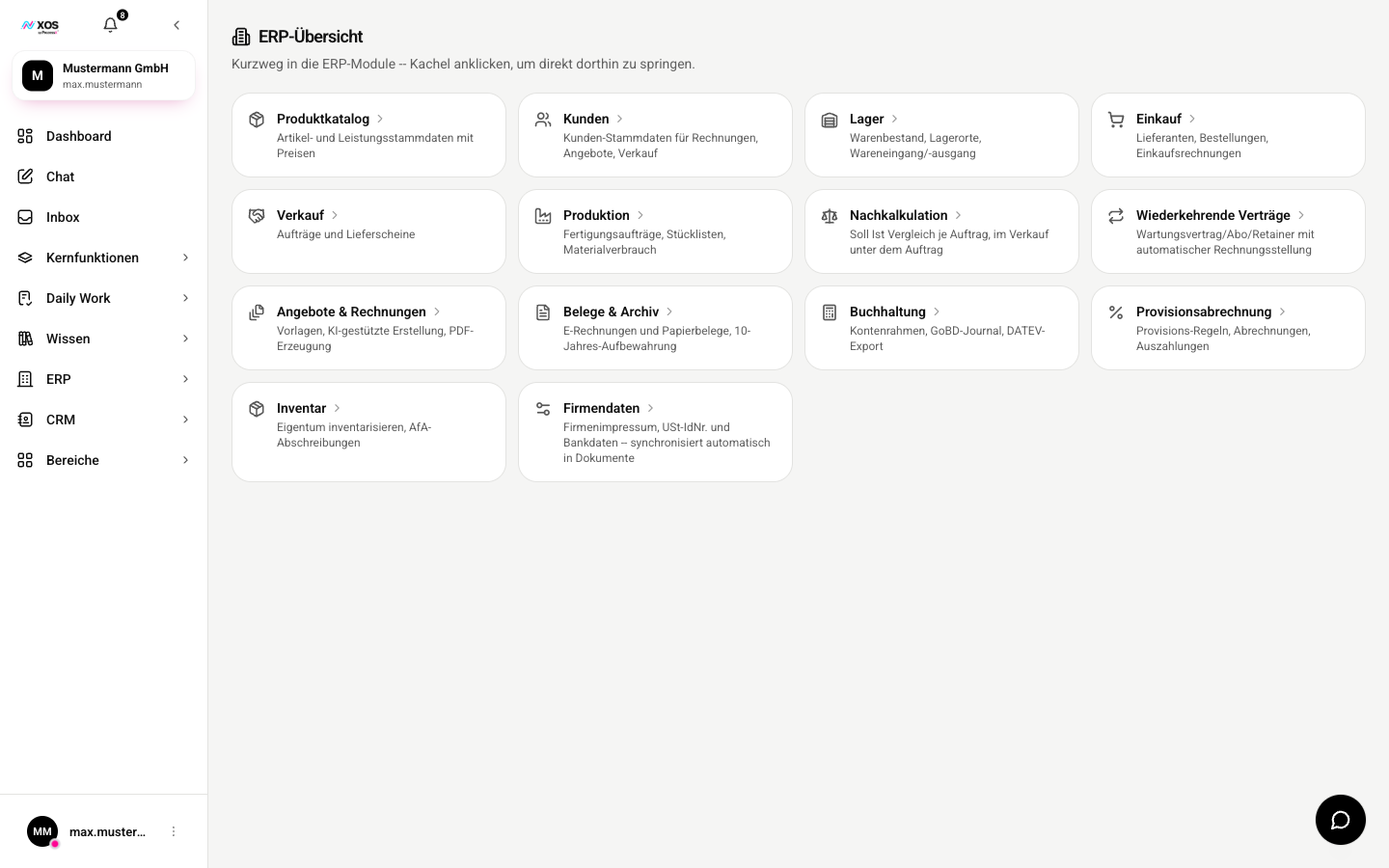
The Overview is a launchpad: a click on a tile opens the respective module.
The modules are interconnected, which is why ERP only comes as a complete package and not in separate parts. An order that doesn't move stock would just be an index card.
Master data: Product Catalog, Customers, Company Data
Master data is the foundation for warehouse, purchasing, sales orders and invoices. Start here when you set up inventory management for the first time.
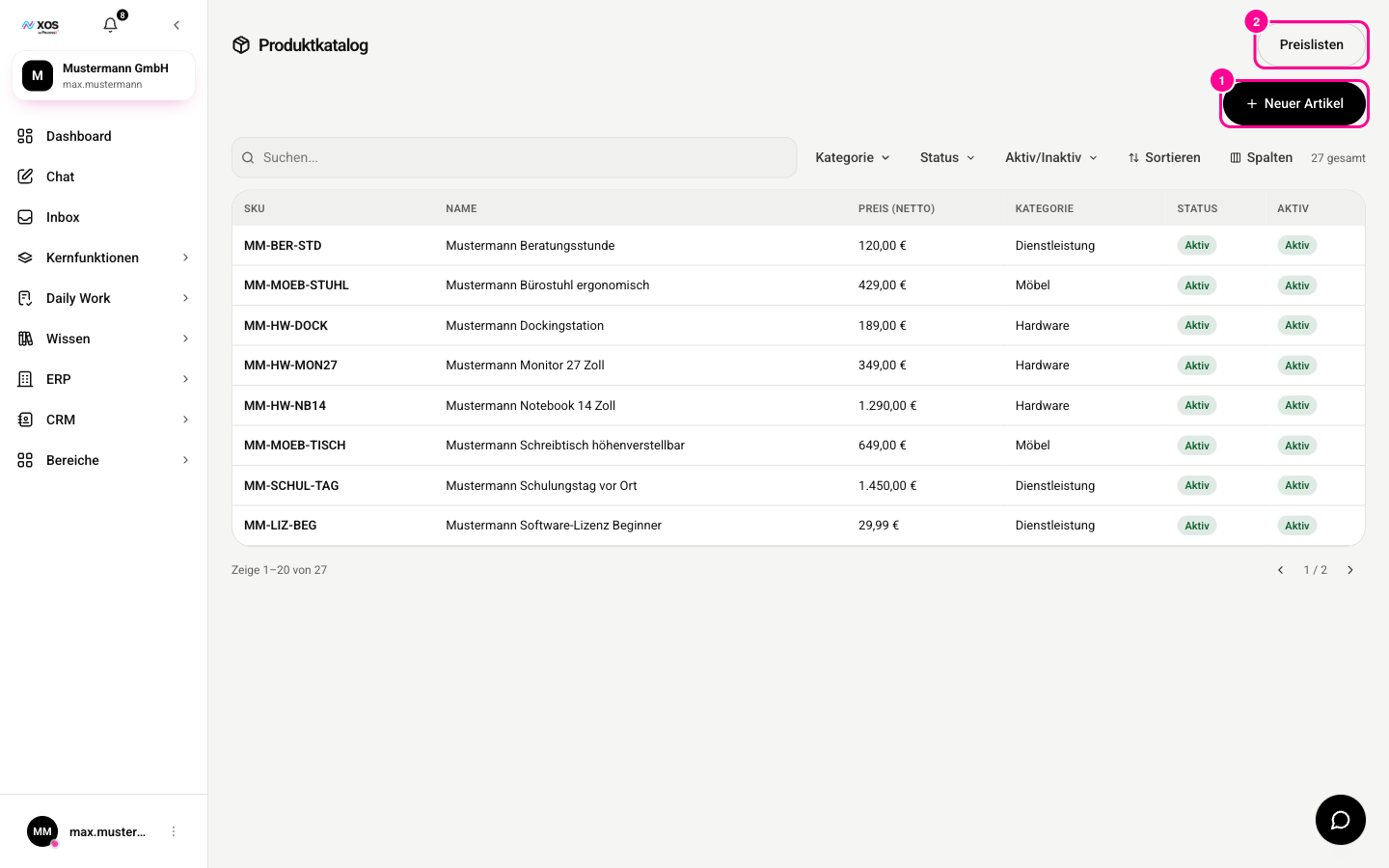
Marker 1 creates a new item, marker 2 opens the price lists.
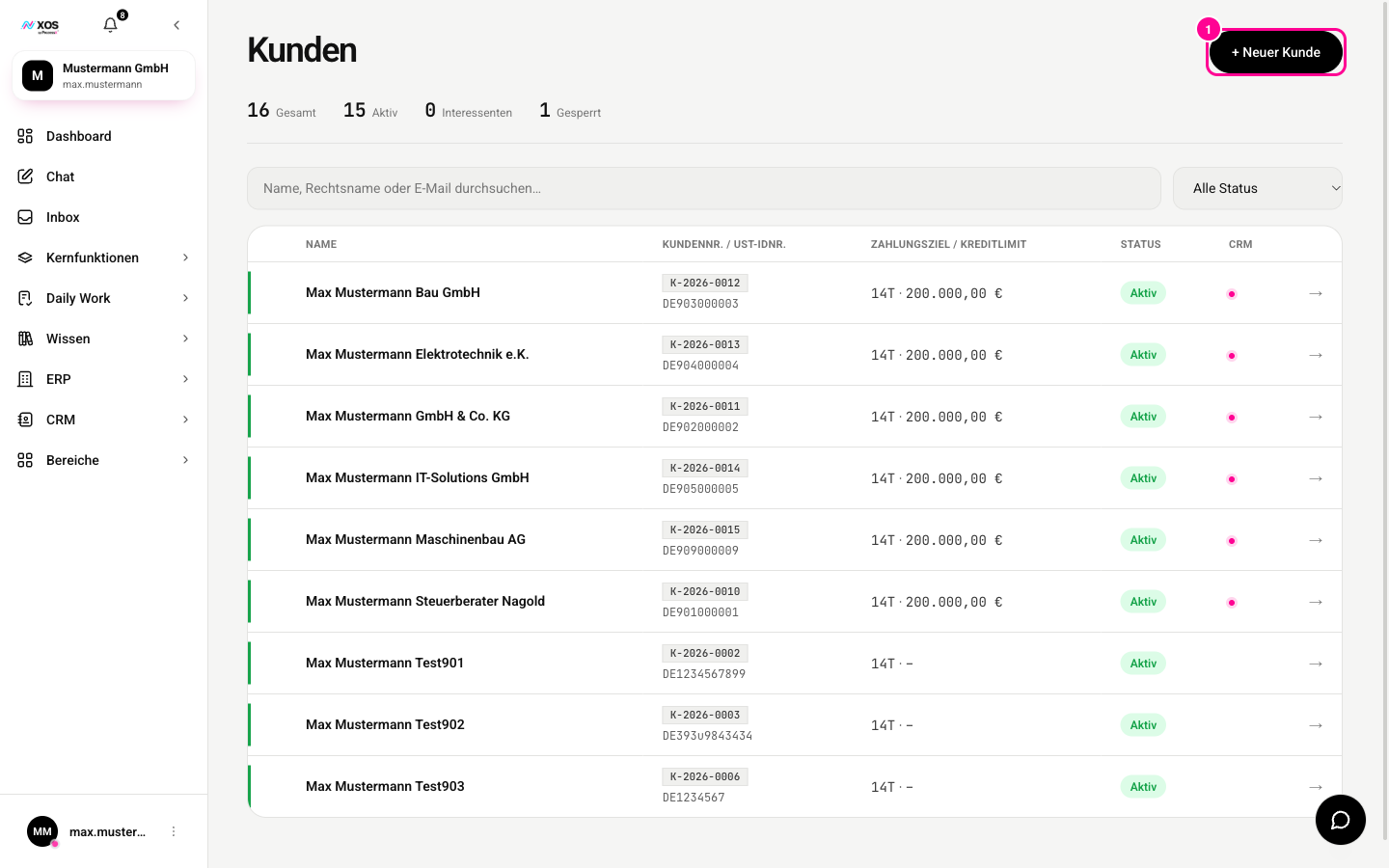
Marker 1 creates a new customer.
- Product Catalog (Produktkatalog): your items and services with prices, tiered pricing, bills of materials, images and certificates. You create new items with + New item (+ Neuer Artikel).
- Customers (Kunden): customer number, VAT ID, payment terms, credit limit and status. A customer row can be linked to a company from the CRM, but doesn't have to be.
- Company Data (Firmendaten): your own details such as legal notice, tax numbers, commercial register and bank details. They appear automatically in the sender block of your invoices, in the DATEV export and in e-invoices.
Flow of goods: Purchasing, Warehouse, Sales Orders
Purchasing, warehouse and sales orders cover the path of goods from order to delivery.
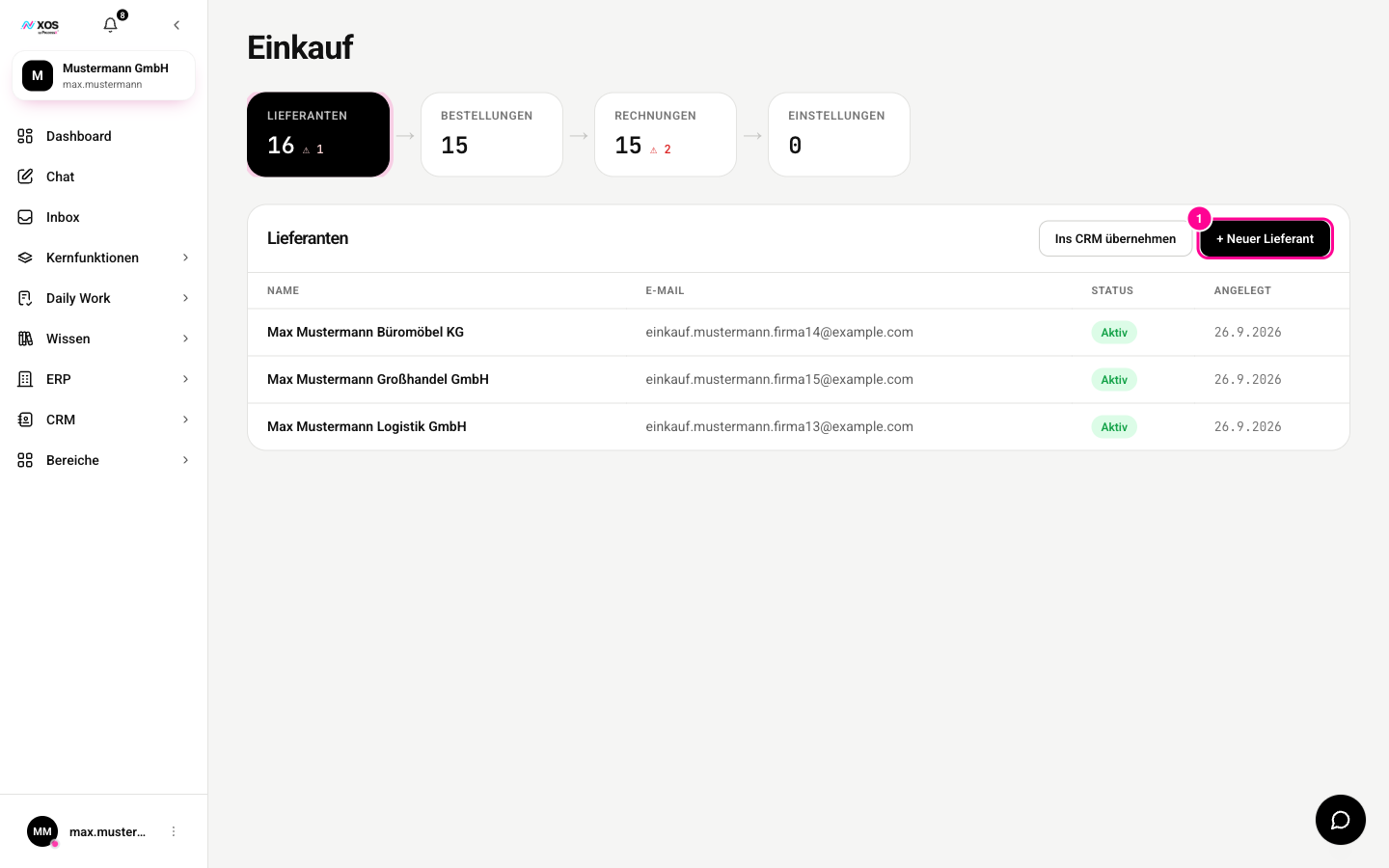
Marker 1 creates a new supplier.
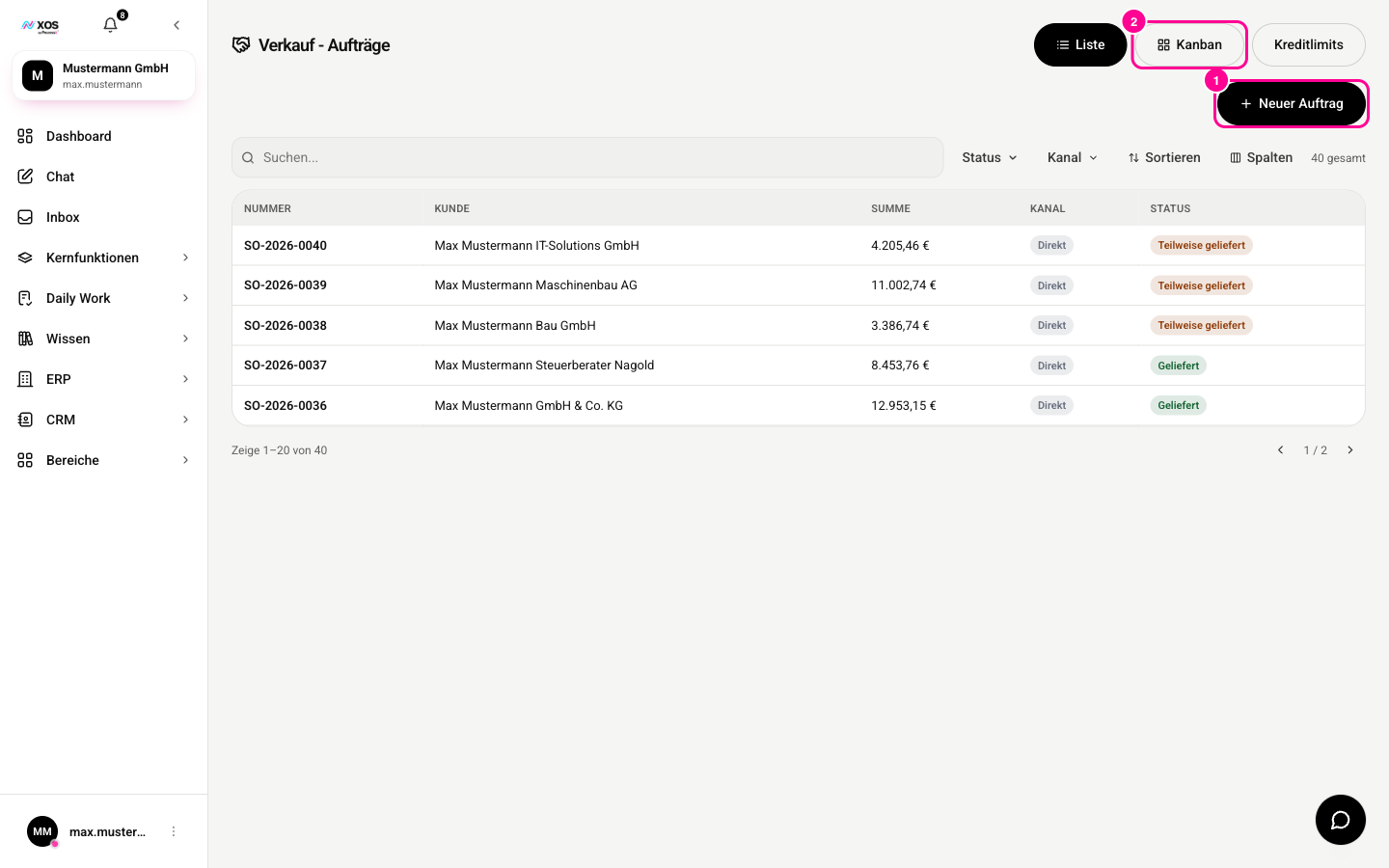
Marker 1 creates a new order, marker 2 switches to the Kanban view.
- Purchasing (Einkauf): suppliers, purchase orders as a Kanban view, goods receipt and incoming invoices. When you post a goods receipt, the stock moves into the warehouse automatically.
- Warehouse (Lager): stock, storage locations, movements, reorder point, batches, stocktaking and picking. Choose a storage location or search for an item first, otherwise the stock list stays empty.
- Sales Orders (Verkauf): orders and delivery notes between quote and invoice, including job costing per order. If the order is linked to a customer, XOS checks their credit limit. A confirmed order triggers the commission statement.
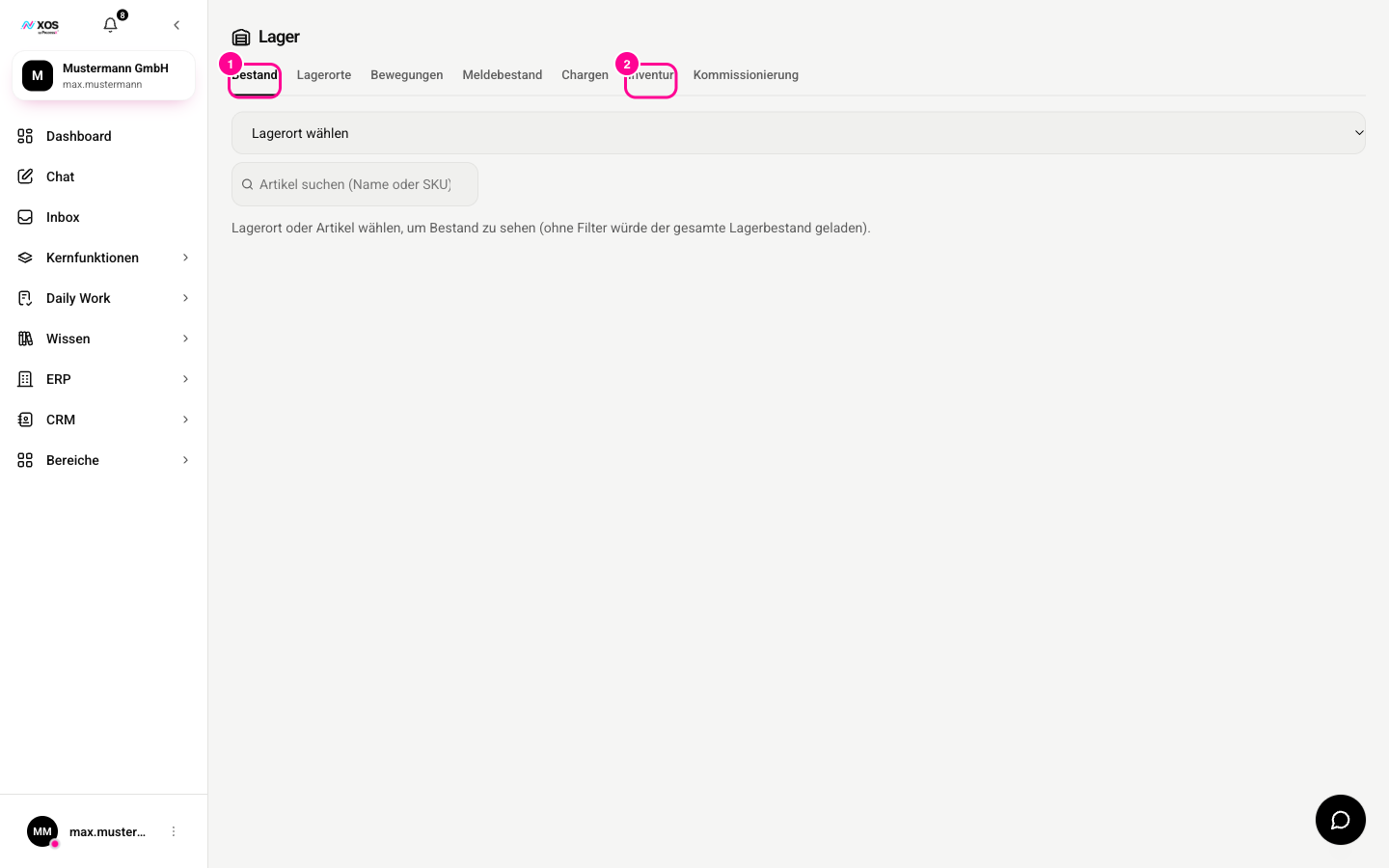
In the warehouse, marker 1 shows the Stock (Bestand) tab and marker 2 the Stocktaking (Inventur) tab.
Billing: quotes, contracts, commissions
Here you write quotes and invoices, bill recurring services and distribute commissions.
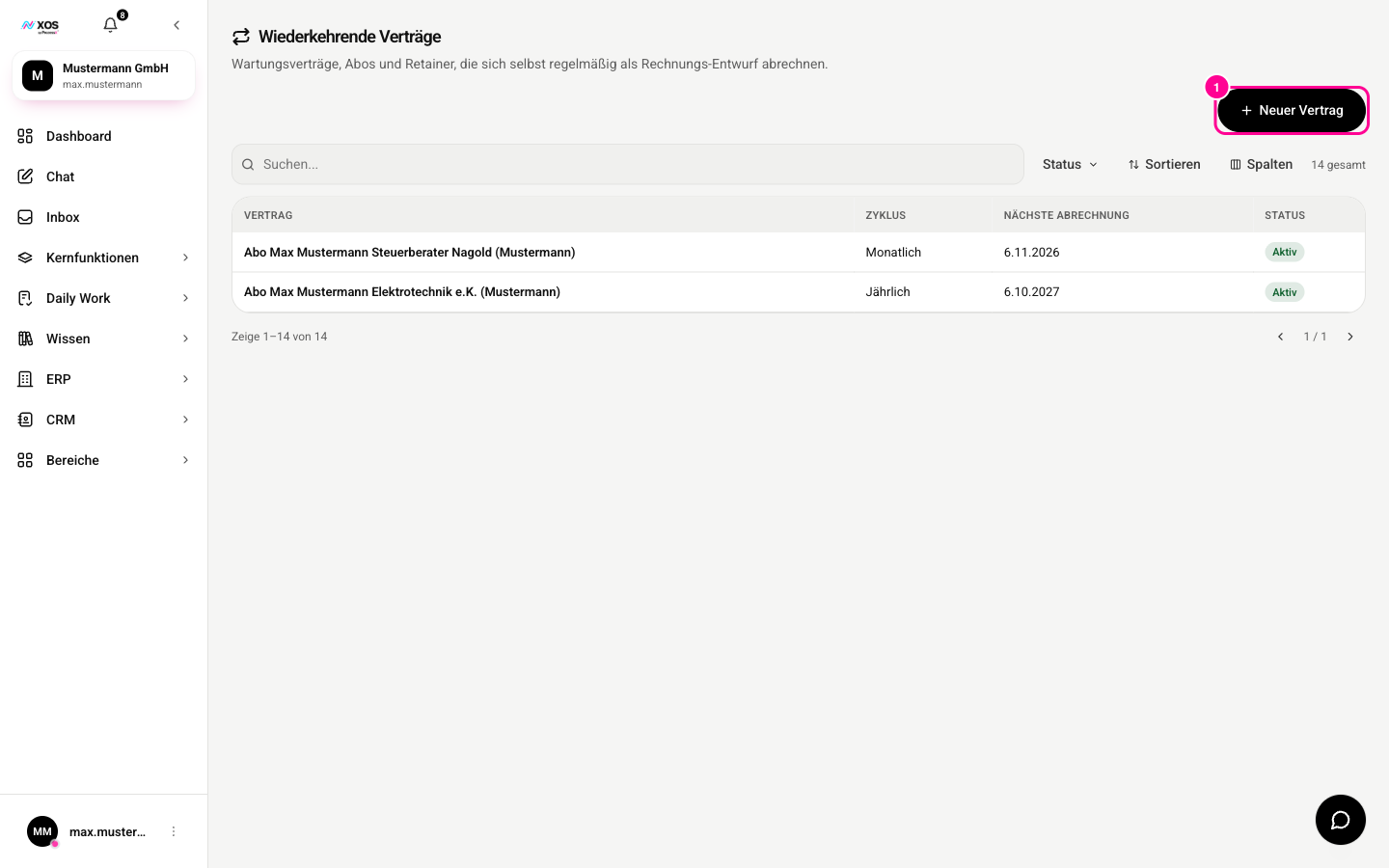
Marker 1 creates a new contract.
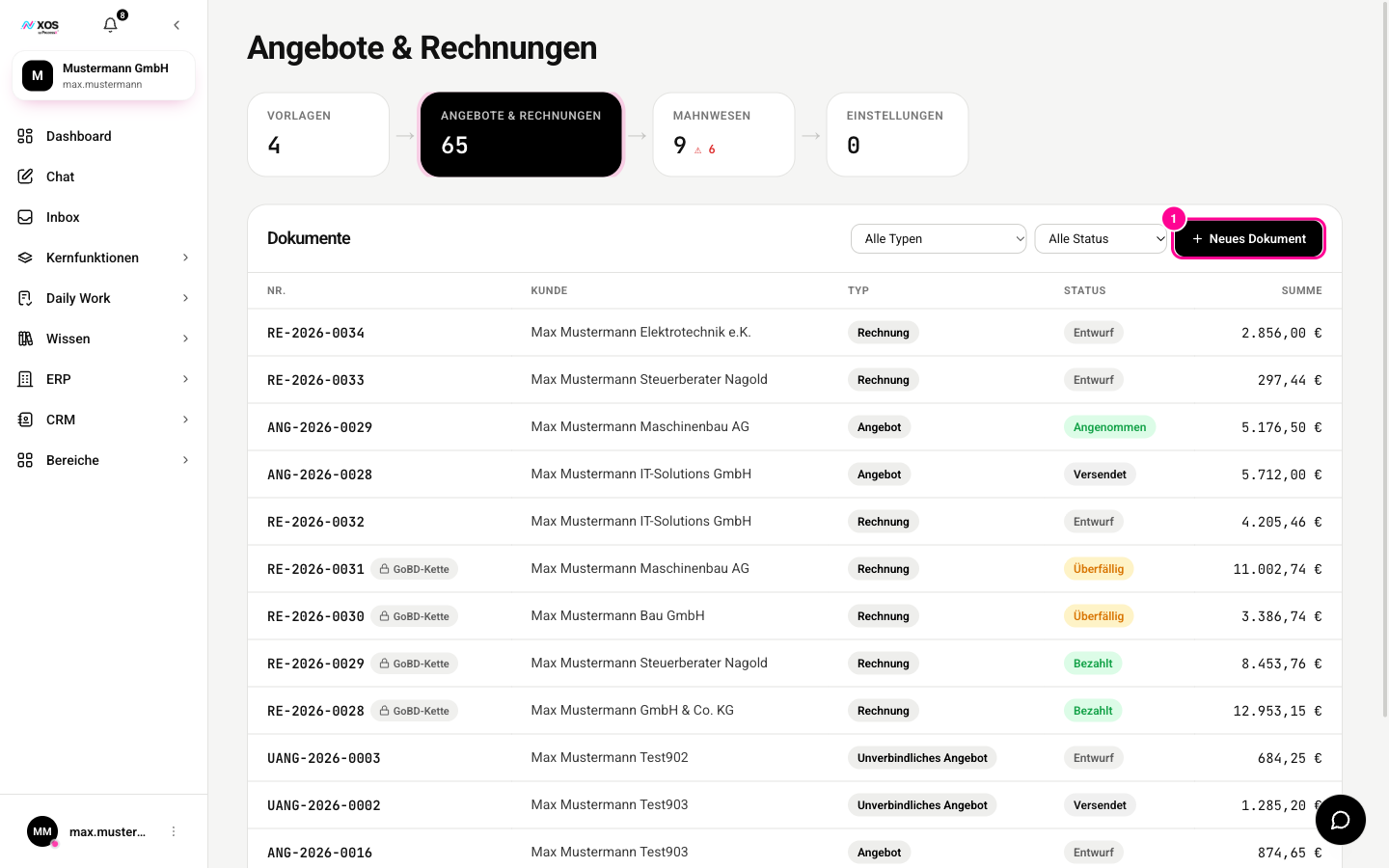
Marker 1 creates a new document.
- Quotes & invoices (Angebote & Rechnungen): modular templates, line items, PDF output and dunning with fees and interest. The fields fill in from the CRM, inventory management and chat. Once issued, an invoice can no longer be changed, as required by retention rules.
- Recurring contracts (Wiederkehrende Verträge): maintenance contracts, subscriptions and retainers. When a billing is due, a draft invoice is created automatically, and all you do is approve it.
- Commission statement (Provisionsabrechnung): rules, statements including splits across several people, and payouts. Entries are created and voided automatically when an order is confirmed or canceled.
Finance: documents and accounting
Documents & archive (Belege & Archiv) holds e-invoices in ZUGFeRD and XRechnung format as well as scanned paper receipts, stored audit-proof for ten years, with assignment and change log. Accounting (Buchhaltung) contains the chart of accounts, journal, cost centers, recurring postings and reports such as the BWA (German monthly business report) and the profit and loss statement.
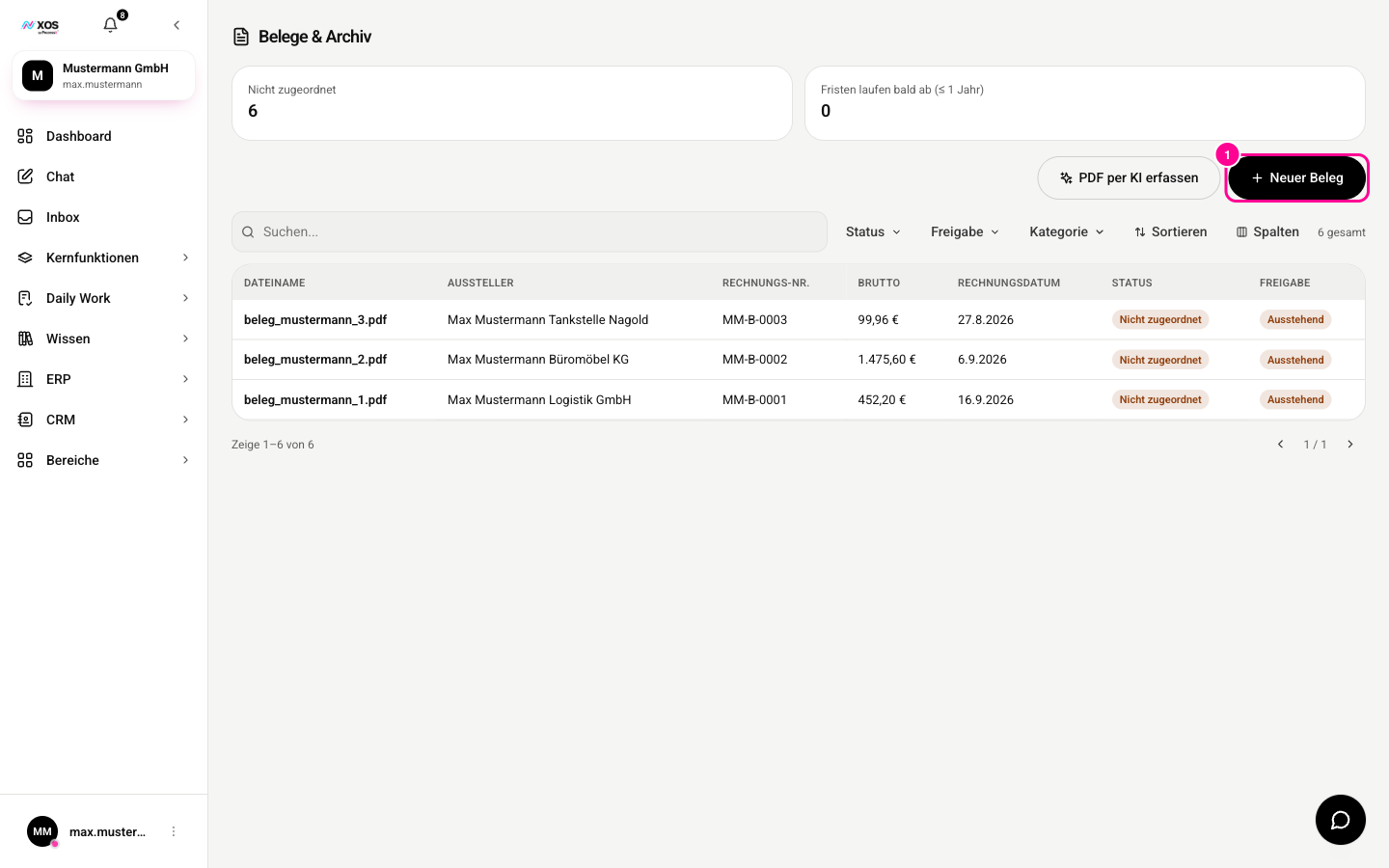
Marker 1 creates a new receipt.
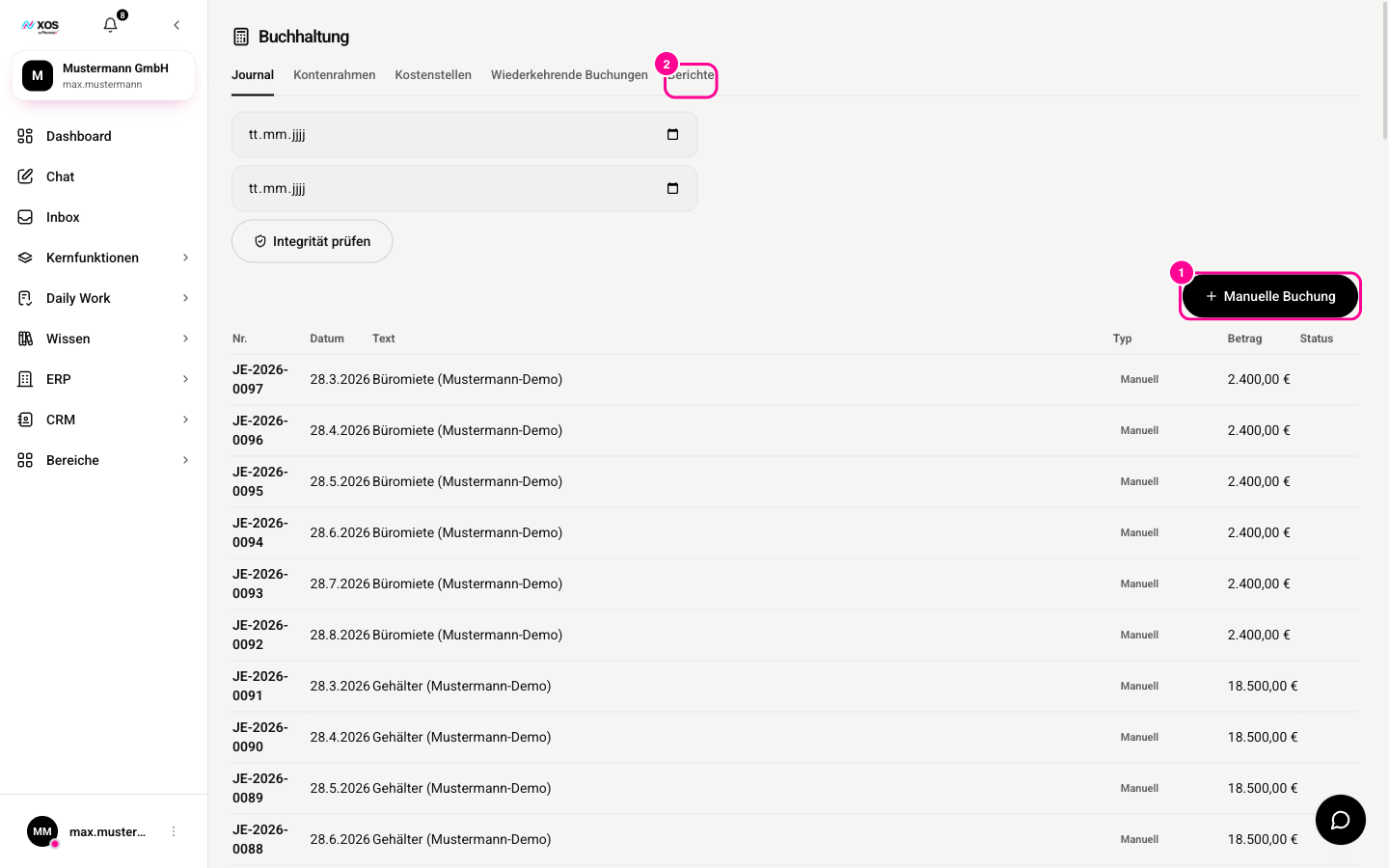
- Open Accounting (Buchhaltung). The journal shows all postings.
- With + Manual posting (+ Manuelle Buchung) (marker 1) you record your own posting.
- Under Reports (Berichte) (marker 2) you find the BWA and the profit and loss statement.
This is also where the DATEV export (DATEV-Export) is.
Inventory
Inventory (Inventar) records your fixed assets, calculates depreciation, schedules maintenance and manages equipment loans. Unlike the warehouse, this is about what you own and use, not goods you sell.